

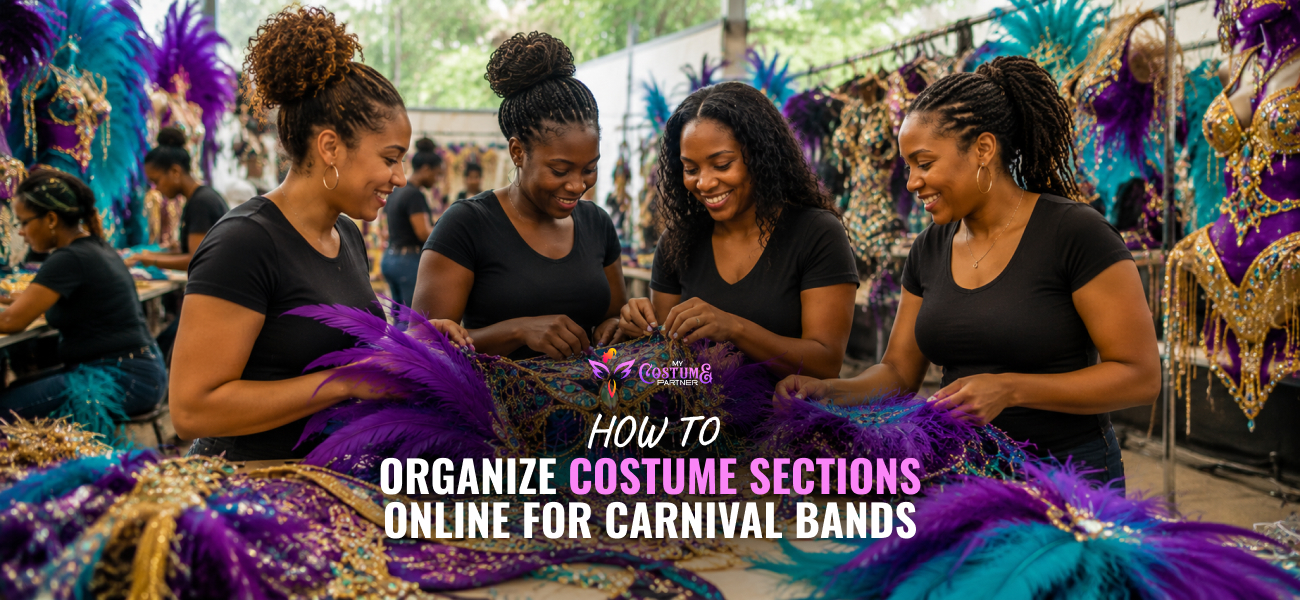
How to Organize Costume Sections Online for Carnival Bands
Carnival bands organize costume sections online by creating a dedicated listing for each section on a purpose-built carnival registration platform. Each listing shows the section design, inclusions, pricing, available sizes, deposit amount, and capacity limit. Masqueraders browse the sections, choose the one they want, pay their deposit, and confirm their sizing in a single checkout session.
The process of organizing costume sections online is straightforward when the platform is built for how carnival bands actually sell. The section is the product. Each one needs its own page, its own capacity, its own pricing, and its own registration flow. A general ecommerce tool or a shared marketplace treats sections as product variants.
While a white-label carnival registration platform treats them as what they are.
My Costume Partner handles all of this under the band's own brand with automatic capacity management and a clean manufacturer export when registration closes.
Here is how to set it up properly from the first section to the manufacturer export.
Step 1: Create a Dedicated Page for Each Costume Section
Every section needs its own listing with everything a masquerader needs to make a decision before they register. Section name, design imagery, a complete list of inclusions, available sizes, price, deposit amount, and remaining capacity.
If a masquerader has to message the band to find out what is included or what the deposit is, the listing is not complete. Every question that requires a message before registration is a friction point that costs you a registration. Answer all of them on the page before anyone clicks the link.
On My Costume Partner, each section is created as a standalone listing with its own page, its own capacity counter, and its own registration flow. Masqueraders see every section, compare them, and register for their choice in one session.
Step 2: Set Capacity Limits and Registration Deadlines Per Section
Each section has a maximum number of costumes the manufacturer can produce. Set that number as the capacity limit when you create the listing. The platform closes registration for that section automatically when the limit is reached, whether that happens on launch day or three weeks later.
No manual monitoring required. No risk of overselling a section because you were not watching the dashboard at the moment it filled. The limit is enforced automatically, every time.
Set the registration deadline at the same time. When the window closes, it closes across all sections simultaneously. Masqueraders who try to register after the deadline see a clear closed message rather than a broken link or an empty page.
Step 3: Configure Deposit and Balance Collection Per Section
Different sections may carry different prices, which means different deposit amounts. My Costume Partner lets you set the deposit independently per section rather than applying one rate across everything.
A masquerader registering for a premium frontline section pays the appropriate deposit for that section at checkout. The balance deadline is configured once and applies across all sections in the store. Outstanding balances are tracked automatically in the dashboard and reminders go out without the band sending a single message. How carnival costume payment plans work covers the deposit and balance model in full.

Step 4: Capture Sizing at Registration, Not After
Sizing collected through WhatsApp after registration creates reconciliation work and produces errors. A masquerader who registers and pays but never confirms their size is a production problem waiting to happen.
Sizing fields added to the checkout mean every masquerader enters their measurements before the registration confirms. The data is stored against their record in a standardised format. When the window closes, the sizing goes directly into the manufacturer export without any manual transcription step.
If a section has specific sizing requirements, for example chest and waist only for a male frontline or bust, waist, and hip for a female section, those fields are configured per section so masqueraders only see what is relevant for what they chose.
Step 5: Add Jouvert as a Separate Section in the Same Store
If your band runs Jouvert, it belongs in the same registration store as your main costume sections. Not a separate payment link. Not a different form. The same store.
Masqueraders can register for a main costume section and the jouvert package in one session. The order data separates the two clearly in your dashboard and manufacturer export. No manual consolidation needed at the end of the season.
Explore how to sell jouvert packages online to know setup process for bands adding jouvert to their store.
Step 6: Use the Live Dashboard to Monitor Section Performance
Once registration opens, the dashboard shows you which sections are filling fastest and which are moving slowly. That information is available in real time without any manual report building.
A section that is nearly full creates natural urgency when you post that only a few spots remain. A section that is moving slowly tells you where to direct your next marketing post before the window closes. Neither of these decisions can be made well from a spreadsheet updated at the end of the day. They require live data during the window when the decisions still matter.
This is also where capacity adjustments happen. If a section fills faster than expected and demand clearly supports it, you can expand the limit before the section closes and capture registrations that would otherwise have been lost.

Step 7: Export the Manufacturer File When Registration Closes
When the window closes, the full order data is ready to export from the dashboard. Every section, every masquerader, every size, every payment status in one clean file.
This is the file that goes to the manufacturer. No reformatting. No manual cleaning. No cross-referencing sizing data from a separate document against a registration list from a spreadsheet. The data that was captured accurately at checkout is the data the manufacturer receives.
Read here how the pre-order model works through to production and helped in the full registration cycle.
What to Check Before Your First Section Goes Live
- Each section page is complete with design imagery, inclusions, sizing options, price, deposit, and capacity.
- Sizing fields are configured and required before checkout confirms.
- Capacity limits are set correctly for each section.
- The registration deadline is set and visible.
- Deposit amounts reflect the correct percentage for each section's price.
- Jouvert is listed in the same store if your band runs it.
- A test registration has been completed on a mobile device.
- The confirmation email arrives correctly with balance amount and deadline.
For a full checklist of what a carnival registration platform needs to handle across the whole season, you must know what to look for in carnival registration software!
My Costume Partner is built so that organizing costume sections online is a setup task rather than a seasonal administration burden. Get started and have your sections live before the first reveal goes out.
Frequently Asked Questions
How do carnival bands organize costume sections online?
By creating a dedicated listing for each section on a carnival registration platform. Each listing includes design imagery, inclusions, pricing, deposit amount, sizing options, and a capacity limit. Masqueraders browse, choose their section, pay their deposit, and confirm sizing in one checkout session.
Can each carnival costume section have its own capacity limit?
Yes. On My Costume Partner, capacity limits are set independently per section. When a section reaches its limit, registration closes automatically without any manual intervention from the band.
Can I sell jouvert packages in the same store as costume sections?
Yes. My Costume Partner lets you add jouvert as a separate listing within the same registration store. Masqueraders can register for a costume section and jouvert in the same session. Order data separates the two clearly in the dashboard and manufacturer export.
How do I know which costume sections are selling fastest?
My Costume Partner dashboard shows live registration numbers and remaining capacity by section. There is no manual report required. You can see which sections are filling quickly and which need more promotion at any point during the registration window.
When should I share my costume section links?
You should share your costume section links exactly at the moment when your section reveals the announcement. Build, configure, and test each section page before the post goes out. Every hour between announcement and a live registration link loses masqueraders who were ready to commit at the moment of peak interest.